Home Screen, Lock Screen & Live Activities
Glanceable prayer metrics and next-prayer context stay on the surfaces you already look at — without opening the app for every check.
 SacredWorship Tracker
Platforms
The worship tracker is the same calm product on every phone. What changes is how it plugs into Apple and Android — watches, widgets, backup, and the system tools each ecosystem does best.
Apple ecosystem
Available on the App Store
Like the best Apple-native apps, Sacred treats the ecosystem as one rhythm: phone for depth, widgets and Live Activities for glances, Watch for the moment you cannot pull out a phone, and Mac when you are already at a desk.
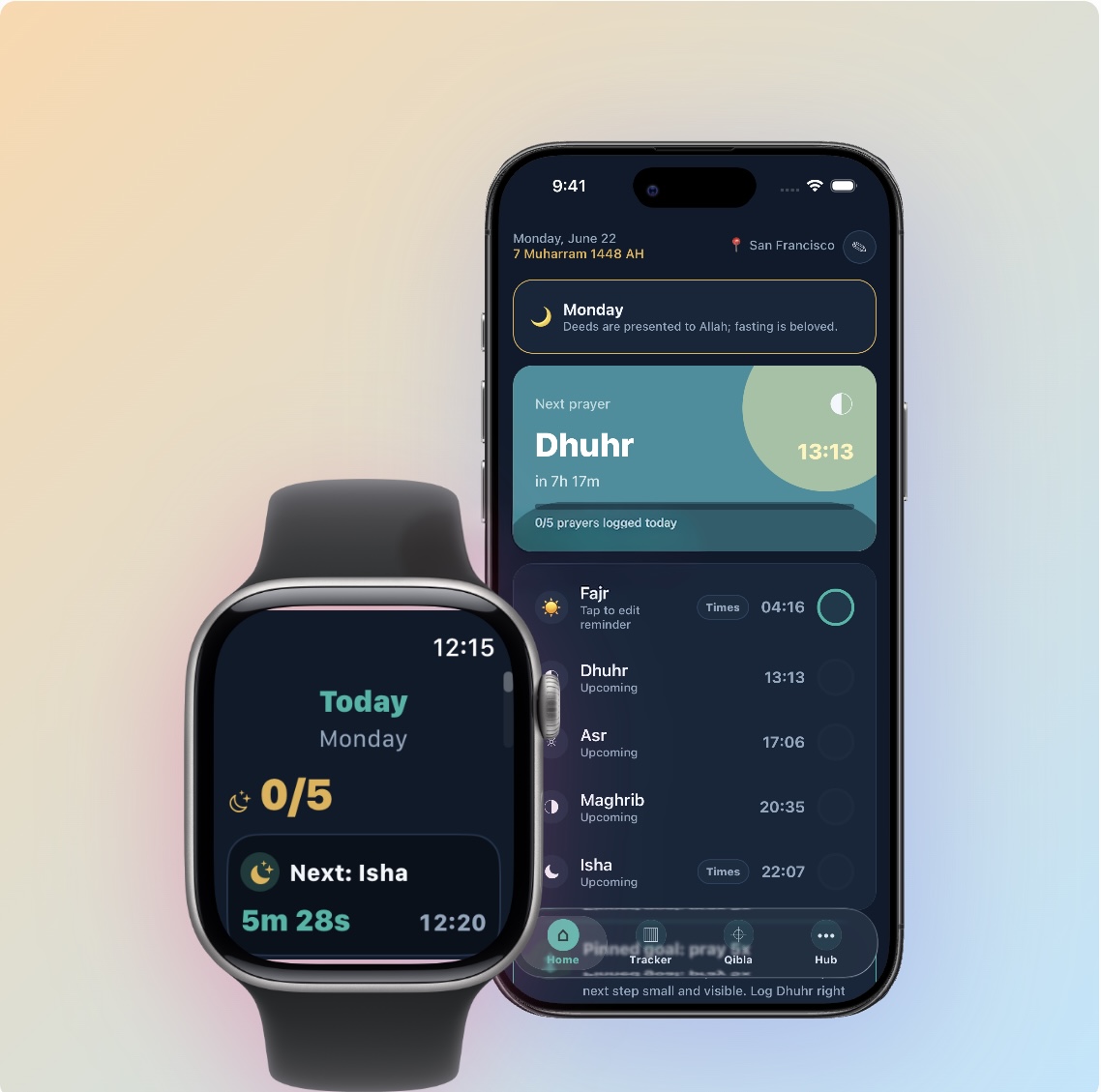
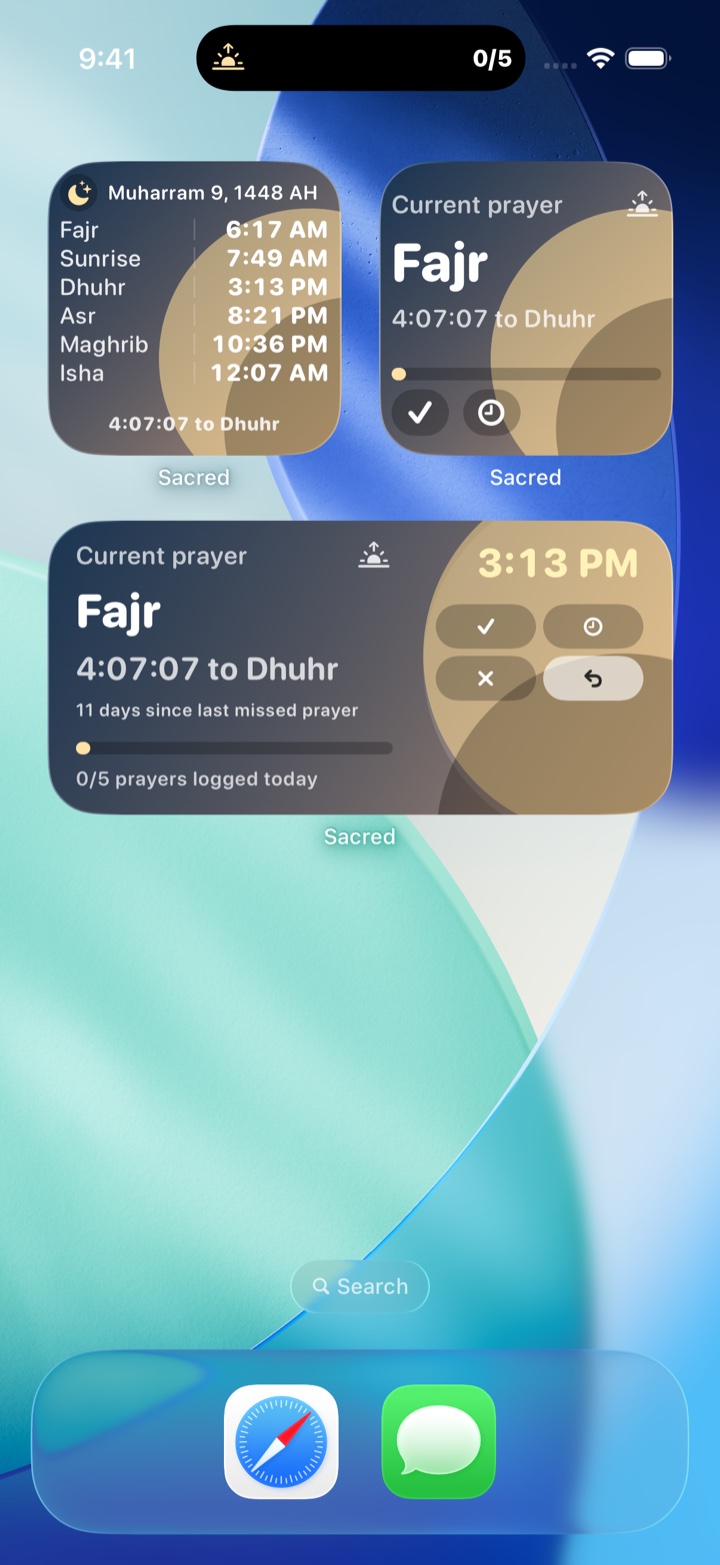
Glanceable prayer metrics and next-prayer context stay on the surfaces you already look at — without opening the app for every check.
Prayer times and logging travel to your wrist, with complications that keep the next salah nearby during a busy day.
A quiet desktop companion keeps prayer timing visible while you work, in step with the same routine on your phone.
Optional CloudKit backup keeps logs and preferences moving with you between iPhone, iPad, Mac, and Watch.
Log and check prayer context with the system tools Apple users already rely on, instead of digging through menus.
Friendly leaderboards when you want them, and optional Notion prayer-log sync on iOS and macOS — always under your control.
Android
Now on Google Play
Android gets its own native path — not a leftover of the iPhone build. Widgets, Wear OS, private local period tracking, and Google Drive backup are how Sacred meets the habits Android users already have.

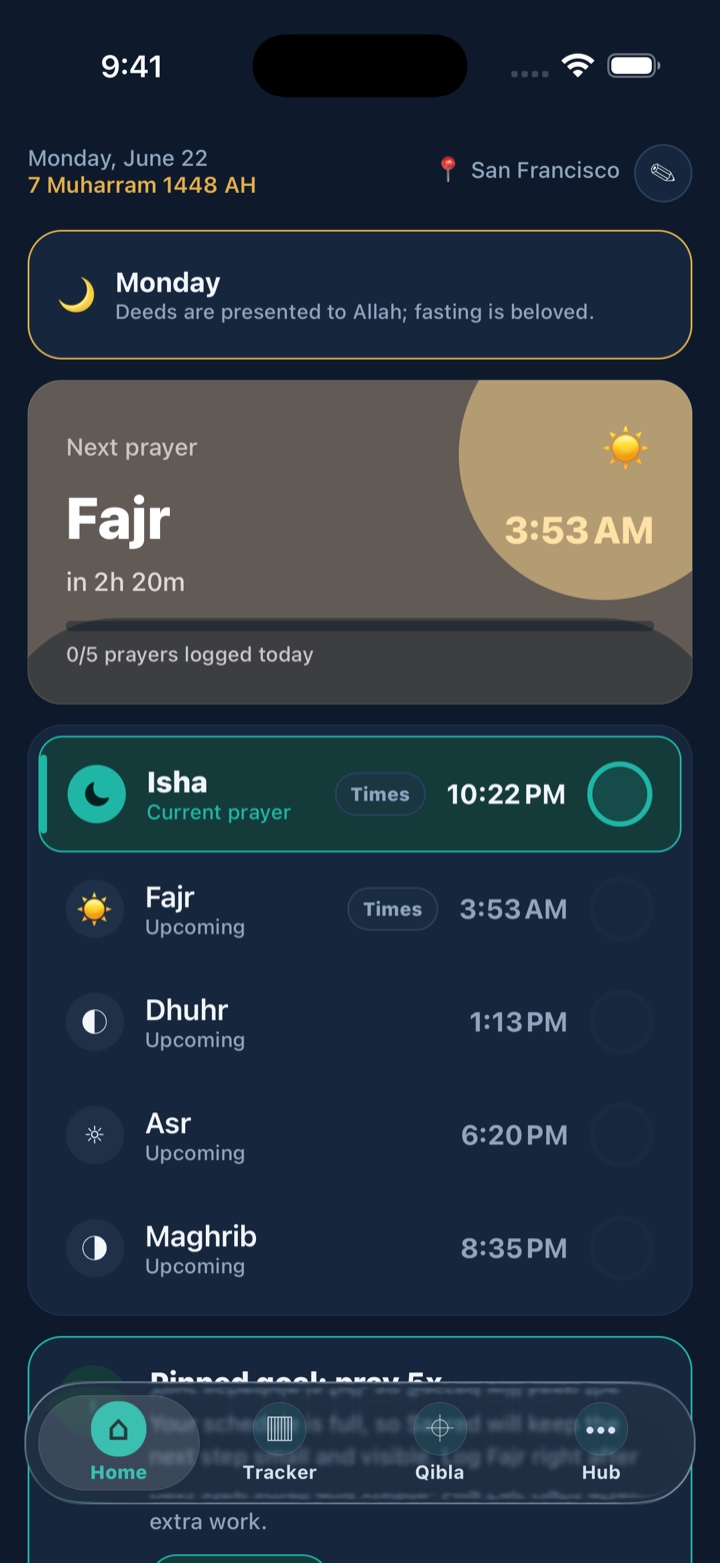
Keep today’s prayers readable on the Android home screen so the tracker stays glanceable between opens.
Prayer times and logging on Wear OS so Android watches can carry the same calm wrist check as Sacred on phone.
Optional Google sign-in and Drive backup keep your Sacred history recoverable when you change or reset a device.
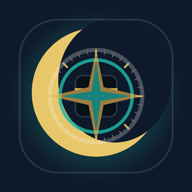 Midnight
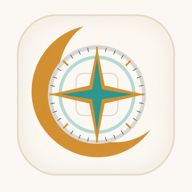 Dawn
Dawn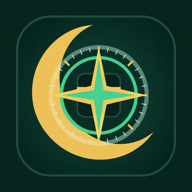 Emerald
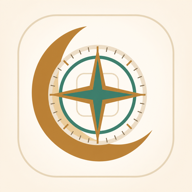 Sandstone
 Noir
NoirMatch Sacred to the look of your home screen — the same personalization path Android users expect from a daily app.
Built for Android navigation, notifications, and device habits — not a thin port of the iPhone layout.